
A follower count tells you how big an account is. The followers list tells you who makes up that audience, and that is often the more interesting information. Who follows a local shop? Which creators follow a brand in your niche? Are the accounts behind a big number real, active looking profiles or a wall of empty ones?
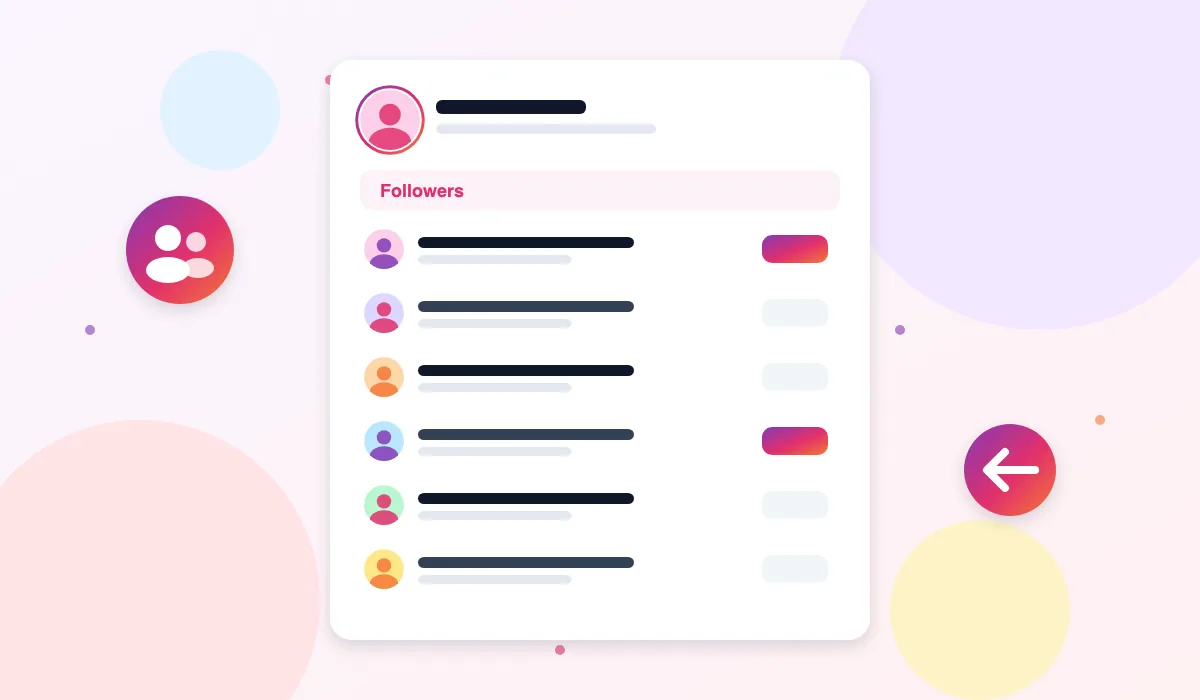
Inside Instagram, that list is only available to people signed in to the app, and even then it is awkward to work through on a phone. The Instagram Followers Viewer on ThePicuki opens the followers list of any public account in your browser. Enter a username and you get the list as clean rows, profile picture, display name and username for each follower, loaded in pages so even large lists stay manageable.
You browse this list anonymously. You never sign in, the account owner is not notified that anyone viewed their followers, and the people in the list are not notified either. Only public accounts have a viewable followers list. A private account's list stays locked to its approved followers, and this tool will tell you when that is the case.
How to View Someone's Instagram Followers
- Enter the username of a public account. Type the handle into the box above, without the @ symbol, and double check the spelling, including any dots or underscores.
- Click View Followers. ThePicuki loads the account and opens its followers list, starting with the first page of followers.
- Browse the list. Each follower is shown with their profile picture, display name and username. Scroll through the page to get a real feel for who follows the account.
- Load more with Show More. Large accounts can have long lists. Use the Show More button to bring in the next batch of followers without restarting the search.
- Open any follower. Click a follower to open their public profile in the Profile Viewer, where you can see their bio, posts and counts, and from there explore their own followers if the account is public.
Features
The list itself, not only the number
Plenty of tools stop at a follower count. This viewer shows the accounts behind the count, because the names are where the insight is. Seeing the actual followers of a shop, a creator or a competitor tells you more in one minute than a number on its own ever will.
Readable rows with pictures and names
Each follower appears as a row with their profile picture, the name on their profile and their username together. That combination matters, because usernames alone are hard to scan and pictures alone are easy to mix up. The layout is made for reading through a list comfortably, on a phone or on a wide desktop screen.
Paged loading that handles big accounts
Follower lists range from a few dozen to enormous. Instead of trying to dump an entire list at once and freezing the page, the viewer loads followers in batches. You read the first batch instantly, then pull in more only when you want them. The page stays fast and the list stays orderly.
A doorway into connected profiles
Every follower row leads somewhere useful. Clicking a follower opens their profile view, so you can move naturally from one account to its audience to an individual profile, checking bios and posts along the way. Research that takes a stack of app searches becomes a simple chain of clicks in one browser tab.
Completely outside your own account
You might not want your own profile anywhere near this kind of research, and with this tool it never is. There is no login, no connection to your Instagram account, and no follow, like or tap is ever made in your name. The owner of the list you browse gets no signal that you, or anyone specific, looked at it.
Honest about what a list cannot tell you
A followers list shows who follows an account now. It does not show the date anyone followed, and it does not label anyone as the newest follower, because Instagram does not publish that information to outside tools. This viewer presents the list as it is, without inventing an order or a timeline it does not have.
What People Use the Followers Viewer For
Understanding a competitor's audience. A business can learn a lot from who follows a rival shop or creator: whether the audience is local or scattered, personal or business heavy, real looking or padded with empty profiles. That reading shapes everything from pricing to what to post.
Checking an account before working with it. Before paying a creator, joining a collaboration or advertising with a page, open its followers and look at who is actually there. A list full of genuine, relevant accounts tells a very different story from a big count built on inactive profiles.
Finding interesting accounts to follow yourself. The followers of an account you admire are a natural place to discover related creators, suppliers, customers and communities in the same interest area.
Community and local research. Event organisers, local journalists and community groups use follower lists to see which local businesses, venues and voices gather around a public account in their area.
ThePicuki vs the Instagram App for Followers Lists
| Task | ThePicuki Followers Viewer | Instagram App |
|---|---|---|
| See who follows a public account without logging in | Yes | No, follower lists require an account |
| Browse the list on a desktop browser | Yes, comfortable rows | Followers UI is designed for the app |
| Owner notified that you viewed the list | No | No notification, but you must be signed in as yourself |
| Move from a follower into their profile | Yes, one click into the Profile Viewer | Yes, inside your own account |
| See followers of a private account | No, and no honest tool can | Only approved followers of that account |
| Follow dates or newest follower labels | Not shown, because Instagram does not publish them | Not shown in the app either |
Related Instagram tools
Explore related tools: Instagram Following Viewer, Instagram Profile Viewer and Instagram Likes Viewer.
Frequently Asked Questions
Is the Instagram Followers Viewer free?
Yes. You can open and browse the followers list of any public account without paying or creating an account. There is no paid upgrade required to load more of a list. Light advertising on the page, placed away from the list itself, is what keeps the viewer free.
Will the account owner know I looked at their followers?
No. Instagram does not tell account owners who viewed their followers list, and this tool never signs in as you or uses your account at all. Your visit leaves no name, no notification and no trace the owner can see.
Can I see the followers of a private account?
No. A private account's followers list is visible only to people the owner has approved as followers. Instagram keeps that list closed on its own servers, so no outside viewer can open it. If you enter a private username, the tool simply tells you the account is private.
Do I need to log in to use the followers viewer?
No. There is no login of any kind. The tool does not want your Instagram password, your email or your phone number. You enter the username of the public account you are researching, and that is the only information involved.
How many followers can the list show?
The viewer loads followers in pages, and you can keep loading more with the Show More button. For normal research this covers the list well. Extremely large accounts have lists so long that reading the whole list is rarely practical, and Instagram itself can slow down how quickly long lists are returned.
Does the list show who followed most recently?
No, and you should be careful with any tool that claims it does. Instagram does not provide follow dates or a reliable newest first order to outside services. This viewer shows the followers as Instagram returns them, presented honestly as a current list, not a history.
Can I download or export a followers list?
The viewer is built for browsing and checking lists on screen, and opening individual followers into their profiles. It is not an export service for pulling entire audiences into a file, which keeps the tool fast, free and within reasonable use of public information.
Why does the list stop loading or ask me to wait?
Instagram limits how much list data anonymous services can pull in a short window, especially for very large accounts. When that limit is reached, loading pauses and the tool explains why. Waiting a few minutes and continuing usually works, and the followers you already loaded stay on screen.
What is the difference between the followers viewer and the following viewer?
Followers are the accounts that follow a profile. Following are the accounts that profile itself follows. They answer different questions. This page shows the audience an account has gathered, while the Instagram Following Viewer shows the accounts that profile pays attention to.
Last tested: October 2026 · Real data only: if Instagram limits a request, you see an honest retry message, never sample results.