
Instagram makes it surprisingly hard to look at a profile when you are not logged in. Open a profile in a browser without an account and you can scroll a few posts before a login wall covers the page. If you do not have an Instagram account, or you simply do not want to use yours for a quick look, that wall ends the visit.
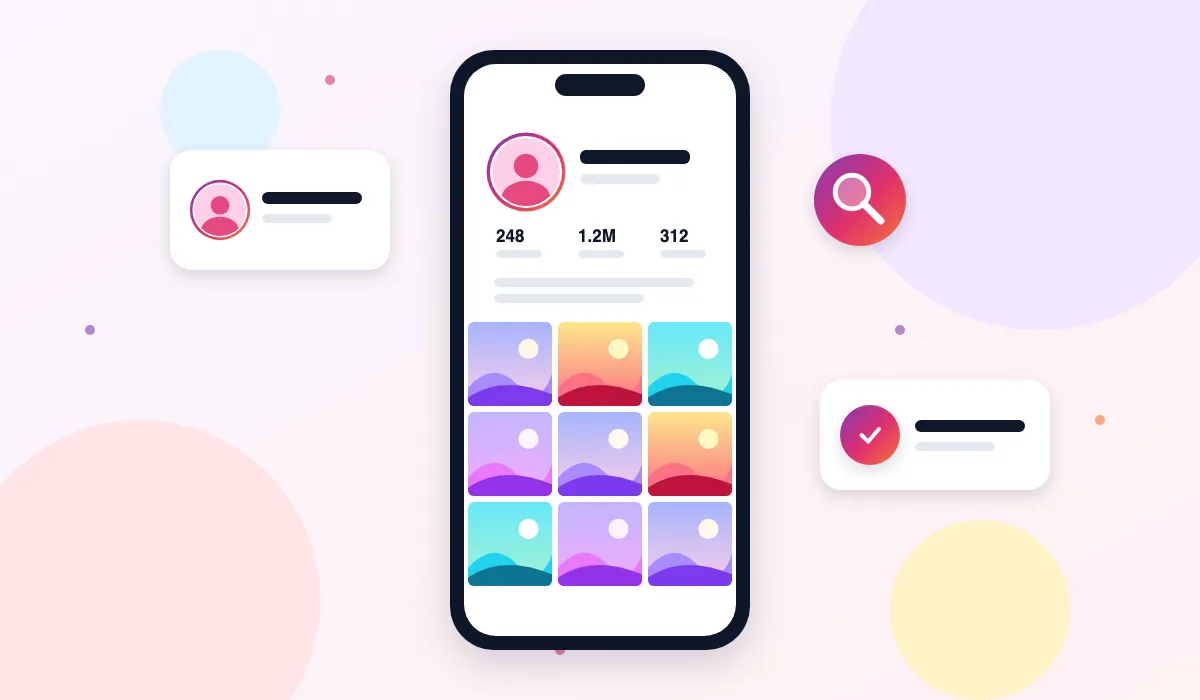
The Instagram Profile Viewer on ThePicuki solves that one problem. Type a username and the tool loads the public profile on our servers, then shows it to you in a clean page: profile picture, display name, bio, website link, exact post, follower and following counts, and the full grid of public posts, reels, stories and highlights. You never log in, you never install anything, and the account owner is never told you looked.
Everything shown here is content the account already makes public on Instagram. Private accounts are not viewable, and this tool will tell you plainly if an account is private instead of pretending otherwise.
How to View an Instagram Profile Anonymously
- Find the username. Open Instagram or ask the person for their handle. You only need the username itself, without the @ symbol.
- Type it into the box above. Enter the username exactly as it appears on Instagram. Spelling matters, because one wrong letter finds a different account or no account at all.
- Click View Profile. ThePicuki fetches the public profile and builds the profile page for you, usually within a few seconds.
- Browse the profile. Scroll the post grid, open any photo or video to read its caption and counts, and use the tabs to look at stories, highlights and reels from the same account.
- Download what you need. Open a photo or video and use the download button to save it in its original quality, with no watermark added by us.
Features
Full profile header, not just a thumbnail
Most quick lookups show you a tiny avatar and a follower number. This viewer shows the complete public profile header: the profile picture at a size you can actually see, the display name, the verified badge when the account has one, the full bio text, and the link the account puts in its bio. It is the same information a logged in Instagram user sees at the top of the profile, presented without the app.
Exact counts, clearly shown
The post count, follower count and following count are shown as real numbers on the profile page. That makes the viewer useful for quick research, because you can compare two accounts side by side without opening the app, logging in, or doing mental maths with rounded figures on a small screen.
Every public post in one grid
The posts tab lays out the account's public feed as a scrollable grid, including photo posts, carousels and video posts. Clicking any item opens a viewer with the full image or video, the complete caption, like and comment counts, and the date it was posted. Carousels can be stepped through slide by slide, so nothing hides behind the first image.
Stories, highlights and reels in tabs
A profile is more than its feed. From the same result you can switch to the stories tab for stories the account currently has live, the highlights tab for the story collections saved on the profile, and the reels tab for short videos. You do not need to run a new search for each type of content.
Downloads in original quality
When a post is yours to keep, for example your own photo, a product shot a brand gave you permission to use, or a reference image for a project, the download button saves the file at the quality Instagram holds it. ThePicuki adds no watermark and does not compress the file down to a blurry copy.
Nothing tied to you
The lookup happens on our servers, not from your Instagram account, because you never give us one. There is no sign up form, no password field, and no app to install. The person whose profile you view gets no notification, no suggested friend entry, and no sign that you visited.
What People Use the Profile Viewer For
Checking an account before following. Sometimes you want to see whether a creator, shop or local business is worth a follow before they appear in your feed and your following list. A quick anonymous look tells you how often they post and what they actually share.
Competitor and market research. Shop owners, freelancers and social media managers regularly study public profiles in their niche: what competitors post, how often, and what gets comments. Doing that research logged out keeps work separate from a personal account.
Reaching a profile from a shared link. Friends often send an Instagram link to someone who has no account. Pasting that username here opens the public profile in any browser, on any device, without the sign up detour Instagram pushes.
Finding your own old content. People who lost access to an old account use the viewer to look at their own public posts and download the photos they still want to keep.
A Note on IG Viewer Searches
Many people find this page by searching for an "ig viewer" instead of the full phrase. That short name covers a whole family of small tools that promise to open Instagram content without an account, and the quality varies a lot. Some show you a login form, which defeats the purpose, and some show placeholder results that are not real data. When you test any ig viewer, including this one, try a famous public account such as natgeo first. A working tool shows the real bio, real counts and real recent posts within seconds.
ThePicuki vs the Instagram App
| Task | ThePicuki Profile Viewer | Instagram App |
|---|---|---|
| View a public profile without an account | Yes, no account needed | No, login wall appears |
| Owner knows you viewed their profile or story | No | Stories show your name in the viewer list |
| See full bio and counts on desktop | Yes, in any browser | Yes, but only while logged in |
| Download a photo or video | Yes, original quality, no watermark added | No built in download for other accounts' posts |
| Works on a work or shared computer | Yes, nothing installed, nothing saved to an account | Requires your personal login |
| View a private account | No, and no honest tool can | Only if the owner approves your follow request |
Related Instagram tools
Explore related tools: Instagram Story Viewer, Instagram Followers Viewer, Instagram Following Viewer and Instagram Reels Viewer.
Frequently Asked Questions
Is the Instagram Profile Viewer free?
Yes. Viewing profiles with ThePicuki is free, with no trial period and no paid tier hiding the main features. You can look up as many public profiles as you need for normal personal use. The site is supported by light advertising placed away from the tool itself.
Will the account owner know I viewed their profile?
No. Instagram does not notify anyone when their profile page is opened, and stories are the one place where viewer names appear. Because ThePicuki loads stories and profiles on its own servers and never uses your account, your name cannot appear in any viewer list.
Can I view a private Instagram account with this tool?
No. A private account shares its posts, stories and follower information only with followers the owner has approved, and that rule is enforced by Instagram itself. If you enter a private username here, the tool tells you the account is private. Any website claiming to open private accounts is either misleading you or trying to get your login details.
Do I need to log in or create an account?
No. There is no ThePicuki account and the tool never asks for your Instagram username or password. If any viewer site asks for your Instagram password, close it. A genuine viewer only ever needs the username of the public profile you want to see.
What exactly can I see on a profile?
For a public account you can see the profile picture, display name, bio, bio link, post, follower and following counts, and the account's public posts, reels, current stories and saved highlights. Content the account has deleted, archived or limited to close friends is not public, so it does not appear here.
Can I download photos and videos from a profile?
Yes. Open any public photo or video from the profile grid and use the download button to save it in original quality. Videos save as video files and photos save as image files, and we add no watermark. Please respect the creator's rights and only reuse content you own or have permission to use.
Why does a profile sometimes load slowly or ask me to retry?
Instagram limits how many requests anonymous services can make in a short period, and during busy times that limit can slow results down. When that happens the tool shows a clear retry message rather than made up results. Waiting a few minutes and searching again almost always works.
What if the username is wrong or the account does not exist?
The tool will tell you the profile could not be found. Check the spelling carefully, because Instagram usernames can include dots and underscores that are easy to miss, and make sure you removed the @ symbol before searching.
Does ThePicuki store the profiles I search for?
Searches are processed to show you the result and results may be briefly cached so the same profile loads faster for the next visitor. ThePicuki does not build a personal profile of you, does not ask who you are, and does not connect searches to an account, because there is no account to connect them to.
Last tested: October 2026 · Real data only: if Instagram limits a request, you see an honest retry message, never sample results.