
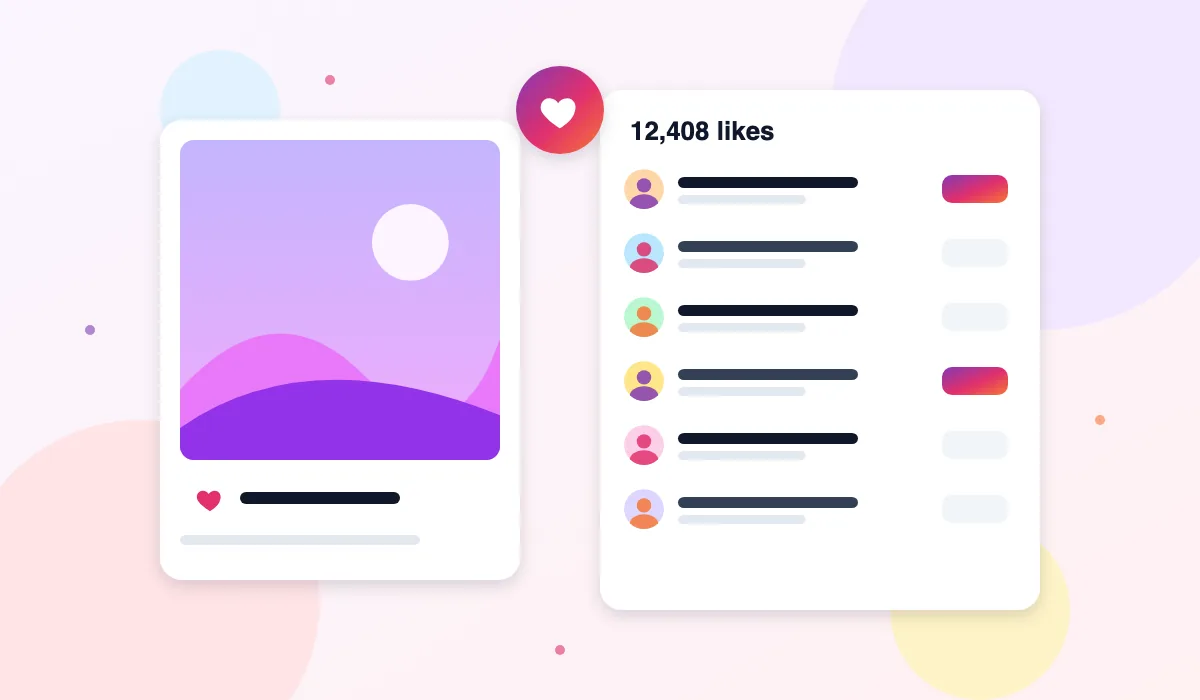
A like count tells you how many people reacted to a post. It does not tell you who those people were. The Instagram Likes Viewer on ThePicuki fills in that second part. Paste the link to a public post or Reel, and the tool shows the total number of likes together with a list of the public accounts that gave them, each with its profile picture, name, and username.
People often want this list for a simple reason. They saw a post travel through their circle and want to know which friends, customers, or fellow creators actually engaged with it. Opening the post inside Instagram usually means logging in first, and the liker list there is mixed into the app experience. Here, the list is the whole point of the page, and it loads without an account.
The tool works only with public content. If a post belongs to a private account, the likes are part of that private space and the tool cannot show them. What it can do, it does plainly: a clear count, a scrollable list, and a direct way to open any liker in the profile viewer.
How to See Who Liked an Instagram Post
- Open Instagram in any browser or app and find the public post or Reel you are curious about.
- Copy its link. On a post, use the share or options menu and choose Copy link. The link will contain /p/ for a post or /reel/ for a Reel.
- Paste the link into the box at the top of this page and press View Likes. You do not need to trim the link or remove anything from it.
- Read the result. The total like count appears first, followed by the accounts that liked the post, loaded in batches.
- Use Show more to load the next batch of accounts. Click any account in the list to open it in the Instagram Profile Viewer and see its public posts and bio.
- If the result says the content is private or unavailable, check that the link is complete and that the post still exists, then try again.
Features
The Count and the List Together
Many pages show one or the other. This tool places the total like count at the top and the individual accounts directly below it, so you can compare the headline number with the names behind it. That pairing makes it easier to spot patterns, such as a post liked mostly by other creators in the same niche.
Works for Posts and Reels
Likes are not limited to photo posts, so the viewer is not either. A link to a standard post and a link to a Reel are both accepted in the same box. The result layout stays the same, which keeps the process familiar when you move between the two formats.
Paginated, Readable Results
A popular post can collect a long list of likes. Instead of dumping every account on the page at once, the viewer loads the list in batches with a Show more button. Each row shows a profile picture, a display name, and a username, so scanning for a person you recognise stays quick even on a long list.
Click Through to Any Profile
Every account in the liker list is a doorway, not a dead end. Click a username and that public profile opens in the profile viewer, with its bio, post grid, stories, highlights, and reels. This turns a single like check into proper context about who engaged and what they usually post.
No Account, No Sign In, No App
The viewer runs entirely in your browser. There is no ThePicuki account to create, no Instagram login to enter, and nothing to install on your phone or computer. That also means your own Instagram identity is never part of the request, which matters to people checking posts from a work device or a shared computer.
Honest About Hidden Data
Some owners hide like counts, and Instagram sometimes limits how much of a liker list is shared. When that happens, the tool shows what public data is available and tells you plainly if the full list cannot be loaded. It never fills gaps with guessed names or invented accounts.
Use Cases
Checking engagement on your own posts. If you publish for a small business or a personal brand, the liker list shows which followers respond to which topics. A recipe post liked by other food accounts tells a different story than one liked mostly by local customers, and that difference can shape what you post next.
Light competitor research. Brands and creators often look at a rival post that performed well and study who engaged with it. The list reveals the audience that post reached, including other creators who may be worth following or collaborating with.
Finding people after an event. After a meetup, launch, or community event, organisers often post a group photo. The liker list is a practical way to reconnect with attendees whose usernames you did not catch on the day.
Settling simple curiosity. Sometimes there is no business reason at all. You may just wonder whether a friend saw a post, or whether a creator you like engaged with a topic. A quick link paste answers that without opening an app or signing in.
ThePicuki vs the Instagram App for Viewing Likes
| Task | ThePicuki Likes Viewer | Instagram App |
|---|---|---|
| Account needed | No account and no login | An Instagram account is normally required |
| Starting point | Paste one post or Reel link | Find the post inside your feed or on a profile |
| Liker list layout | Count first, then a clean paginated list | List sits inside the post screen in the app |
| Opening a liker profile | Opens in the anonymous profile viewer | Opens inside your logged in account |
| Private posts | Not accessible, stated clearly | Visible only if you follow that private account |
| Cost | Free | Free, but tied to your account |
Related Instagram tools
Explore related tools: Instagram Post Viewer, Instagram Profile Viewer and Instagram Reels Viewer.
Frequently Asked Questions
Is the Instagram Likes Viewer free to use?
Yes. Checking the like count and the liker list of a public post or Reel costs nothing on ThePicuki. There is no trial, no credit card step, and no paid tier hiding the list. Paste a link and the result loads.
Will the post owner know I viewed their likes?
No. The lookup happens through ThePicuki, not through your Instagram account, so your name does not appear anywhere for the owner to see. The tool does not like, comment, follow, or send any signal to the post or its owner. You are only reading public information.
Do I need an Instagram account or a login?
No. You need only the link to the public post or Reel. ThePicuki never asks for your Instagram username or password, and you should never enter those details on a viewer site. If a page asks for your password to show likes, close it.
Can I see who liked a private account's post?
No. A private account shares its posts and likes only with approved followers, and that boundary is set by Instagram itself. ThePicuki can only read what is already public, so a link to a private post will return a clear private content message instead of a list.
What kind of links does the viewer accept?
It accepts standard Instagram links for public posts, which contain /p/, and for Reels, which contain /reel/. Copy the link from the share menu of the post you want to check and paste it exactly as copied. Links to profiles or stories belong in the other tools on this site, not in this box.
What if the post owner hid the like count?
When an owner hides the count, Instagram may also restrict the liker list for that post. In that case the viewer shows whatever public data is still available and explains the limit on screen. It will not guess the missing names, because an invented list would be worse than an honest partial one.
Can I open the profile of someone who liked the post?
Yes. Each account in the list links to the Instagram Profile Viewer, where you can see that account's public bio, posts, stories, highlights, and reels. This is useful when a name looks familiar and you want to confirm it is the person you think it is.
Why does the list load in batches instead of all at once?
Long lists are heavy to load and hard to read, so the viewer fetches accounts in groups and adds more when you press Show more. This keeps the page fast on mobile connections. If a very large post reaches a limit set by Instagram, the tool will say so rather than spin forever.
Is it respectful to check who liked a post?
The information is public, and viewing it for personal reference is a normal use. Treat what you learn with the same respect you would want for your own activity, and remember that posts and photos belong to the people who created them. Do not use lists to harass anyone, and do not republish someone else's content without their permission.
Last tested: October 2026 · Real data only: if Instagram limits a request, you see an honest retry message, never sample results.