
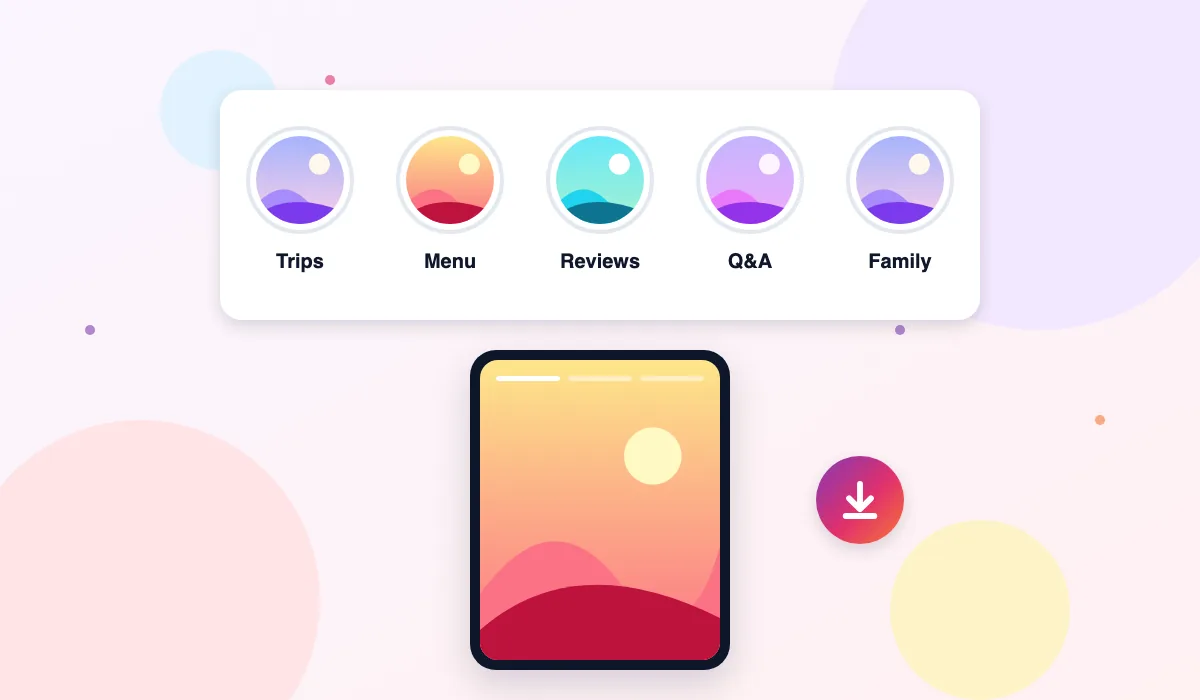
Stories disappear after a day. Highlights are the stories a person chose to keep, grouped into named albums on their profile, such as Trips, Menu, Reviews, or Family. The Instagram Highlights Viewer on ThePicuki opens those albums for any public account, so you can browse the saved stories long after the originals expired, without signing in.
Highlights are often the most useful part of a profile. A business pins its prices, opening hours, and best customer feedback there. A creator pins tutorials, questions and answers, and behind the scenes clips. Reading a profile through its highlights is like reading the chapters the owner selected, rather than scrolling everything they ever posted.
To see them inside Instagram you normally need the app and an account, and the owner can see story viewer lists while stories circulate. Viewing highlights here keeps your visit separate from any Instagram identity, because you never provide one. Enter a username, pick an album, and watch its stories in order.
How to View Instagram Highlights Anonymously
- Find the username of the public account you want to look at. You can take it from their profile page or from a link someone shared with you.
- Type the username into the box at the top of this page, without the @ symbol, and press View Highlights.
- Look through the album covers that appear under the profile header. Each cover is one highlight album, with the title the owner gave it.
- Click an album to open it. Its stories play in the order the owner saved them, photo and video clips one after another.
- Use the arrows to move forward or back inside an album. To save a clip for yourself, open it and press the Download button shown with it.
- If no albums appear, the account may not have saved any highlights, or the account is private. Try a different public account to confirm the tool is working.
Features
Every Album, Arranged as the Owner Left It
The viewer reproduces the structure of the profile faithfully. Album titles, cover images, and running order appear the way the owner arranged them, so a restaurant's Menu album and Reviews album stay distinct. You browse the same shelves, just without the app wrapped around them.
Stories Play in Sequence
A highlight is a small story arc, and order matters. Clips inside an album play in the saved sequence, with simple forward and back controls, rather than as a pile of separate files. That makes tutorials, day by day travel albums, and event coverage easy to follow from start to finish.
Download Individual Clips
Sometimes one clip inside an album is the part worth keeping, such as a price list, a recipe step, or an address card. Open that clip and download just it, instead of saving the whole album. Photo clips save as images and video clips save as video files, in the quality Instagram serves.
Covers and Titles Are Easy to Scan
Album covers are large enough to read at a glance on a phone screen. Combined with the titles, they let you judge in seconds which album holds what you came for. This sounds small, and it saves the most time on profiles that keep many albums.
Quiet Viewing, No Viewer List Entry
Story viewing inside Instagram is not a private act, because owners can review who watched. Viewing highlights through ThePicuki is not tied to your account at all, since no account is involved in the request. Your username appears in no list, and no suggested account follows you home afterwards.
Works Alongside the Story Viewer
Current stories and saved highlights answer different questions. This page handles the saved archive, and the linked story viewer handles what an account posted in the last day. Both start from the same username box style, so moving between what is new and what is kept takes seconds.
Use Cases
Researching a business before you buy. A salon, cafe, or tradesperson usually pins the practical details in highlights: services, prices, booking steps, and customer results. Reading those albums before contacting them tells you what they offer and how they work, without opening the app or following the account.
Catching up on a creator properly. Joining a creator late means their best explainers are already archived. Tutorials, frequently asked questions, and series highlights bring a new viewer up to speed far faster than scrolling a full post grid from the beginning.
Planning around places and events. Hotels, venues, and tour operators keep room tours, menus, and past event coverage in highlights. Browsing those albums while planning a trip gives a clearer picture than a handful of polished feed photos.
Saving reference material. Students, assistants, and social media managers often keep one saved clip for a project, such as a testimonial or a how to sequence. Downloading that single clip from an album is tidier than recording a screen while it plays.
ThePicuki vs the Instagram App for Viewing Highlights
| Task | ThePicuki Highlights Viewer | Instagram App |
|---|---|---|
| Account needed | No account, no login | Account and app are the normal route |
| Finding albums | Enter a username, albums listed at once | Open the profile and tap each album row |
| Viewer visibility | Your name appears in no viewer list | Owner can see story viewers while lists are available |
| Downloading a clip | Download button on the open clip | No built in save for other people's highlight clips |
| Private accounts | Cannot be viewed, explained plainly | Visible only if you are an approved follower |
| Device options | Any browser on phone, tablet, or computer | Mainly the mobile app |
Related Instagram tools
Explore related tools: Instagram Story Viewer, Instagram Profile Viewer and Instagram Reels Viewer.
Frequently Asked Questions
Is the Instagram Highlights Viewer free?
Yes. Browsing and watching the highlight albums of public accounts is free on ThePicuki, and so is downloading a clip you open. There is no membership, no viewing quota to buy back, and no charge hidden behind the album view. Enter a username and start with the first album.
Will the account owner know I watched their highlights?
No. The albums are fetched through ThePicuki rather than through your personal Instagram account, because you never sign in with one. Your username therefore cannot appear in any viewer list connected to those stories. The owner sees only the same public counts Instagram shows generally.
Do I need an Instagram login to use it?
No. A username is all the tool needs. It does not ask for your email, your Instagram password, or an account of its own, and it works in a normal browser window. Never type your Instagram password into a viewer site, including this one. It is not needed and never will be.
Can I view highlights from a private account?
No. When an account is private, its highlights sit behind the same follower approval as its posts and stories. Instagram keeps that content for approved followers only, and ThePicuki respects that limit. Entering a private username returns a clear private account message, not someone else's saved stories.
What is the difference between stories and highlights here?
Stories are the posts from roughly the last day, and they vanish unless the owner saves them. Highlights are those saved stories, kept on the profile in named albums until the owner removes them. This page covers highlights. Use the Instagram Story Viewer for the current day's stories from the same account.
Can I download a whole highlight album at once?
Downloads are per clip, so you save the exact photo or video you opened. Open each clip you want and press its Download button. This keeps files separate and labelled by their place in the album, which is easier to organise later than one merged file. It also keeps you from saving clips you never wanted.
What quality are downloaded highlight clips?
Clips download in the quality Instagram stores and serves for them, which is the same file other viewers are shown. ThePicuki adds no watermark, no frame, and no branding to a clip before saving it. Stories are filmed quickly on phones, so quality follows the original recording rather than studio standards.
Why does an account show no highlights?
Some accounts never save stories into albums, and others delete old albums over time. In those cases there is simply nothing public to list, and the page will show the profile with an empty highlights area. Try the stories and posts tabs for that account, because the content may live there instead.
Is downloading a highlight clip fair to its creator?
Downloads are intended for personal reference, such as keeping a price list or a tutorial step you plan to use. The clips themselves belong to the people who filmed them. Saving for yourself is one thing, but reposting someone else's clip as your own content, or using it commercially, needs their permission first.
Last tested: October 2026 · Real data only: if Instagram limits a request, you see an honest retry message, never sample results.