
The original Picuki had an editor that people still search for. This is ThePicuki's version: a small, fast photo editor that runs entirely in your browser. Open a photo from your device, or press "Edit photo" on any image in our Instagram viewers, and it opens here ready to edit. The photo is processed on your own device, so nothing is uploaded to our servers.
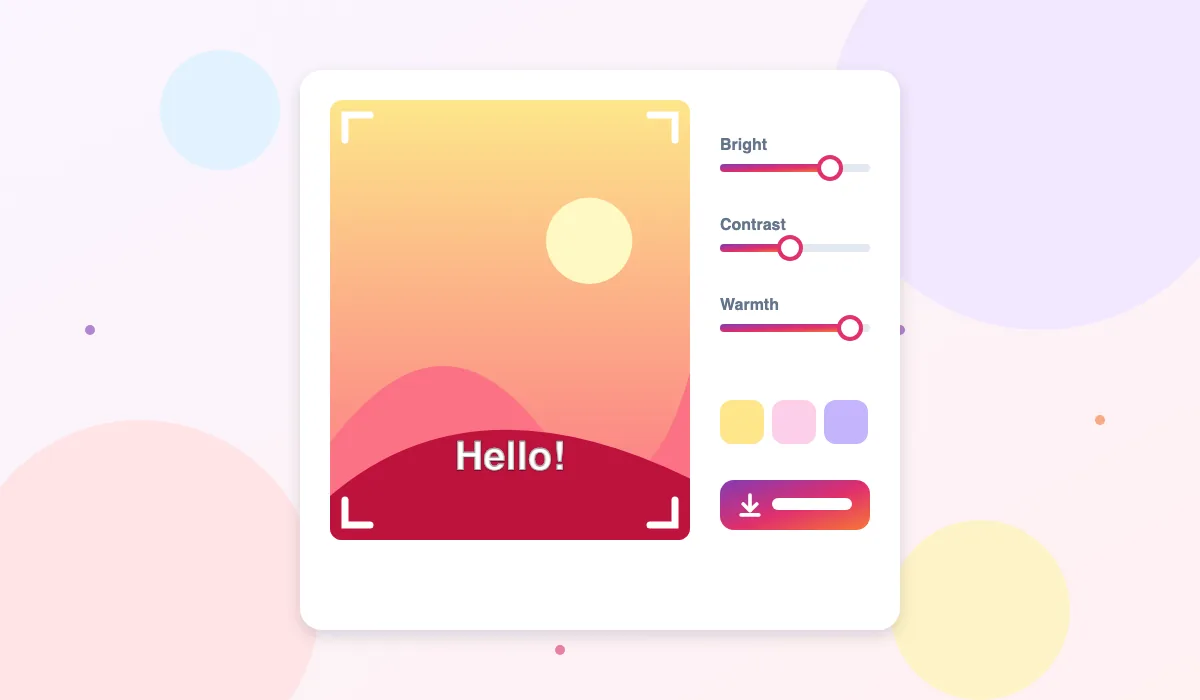
How to Edit a Photo
- Open a photo. Press Open a photo and choose an image, drag one onto the editor, or use the Edit photo button in any of our viewers.
- Crop and turn it. Choose a shape such as square (1:1), portrait (4:5) or wide (16:9), and rotate or flip the picture if it is sideways.
- Adjust the look. Use the sliders for brightness, contrast, saturation, warmth and black and white, or tap a one-click filter.
- Add text or a sticker. Type a caption, choose its size, colour and position, and add an emoji sticker in the corner.
- Download. Save the result as a JPG for sharing or a PNG for the best quality. No watermark is added.
Features
Private by design
Editing happens in your browser. The photo is never sent to our server, and closing the tab clears it.
Social media shapes
One tap crops to the shapes Instagram and other apps use: square, portrait, landscape and story size.
Simple filters
Brightness, contrast, saturation, warmth and black and white sliders, plus quick presets for vivid, warm, mono and faded looks.
Captions and stickers
Add a bold caption with an outline that stays readable on any background, and a sticker in the corner.
Please only edit and share photos you own or have permission to use. If you edit someone else's picture, keep their credit when you share it.
Frequently Asked Questions
Is the photo editor free?
Yes, completely free, with no watermark and no account.
Are my photos uploaded?
No. The editor runs in your browser and the photo stays on your device. Nothing is sent to our servers.
Can I edit an Instagram photo here?
Yes. In any ThePicuki viewer, open a photo and press Edit photo, and it opens in the editor. Remember that other people's photos belong to them.
Which file formats can I open?
Any image your browser can open, such as JPG, PNG and WebP. On iPhone, photos in HEIC format are usually converted automatically when you choose them.
Why is the downloaded file large?
PNG files keep every detail, so they are bigger. Choose Download JPG for a smaller file that is easier to share.